 CHEAT
GAMEESP / ROB RUN
GameESP installation guide for Rob Run
Prepare your PC, activate your license and follow the illustrated steps through your first launch.
Prepare your PC1. Before installation
Disable Windows Defender
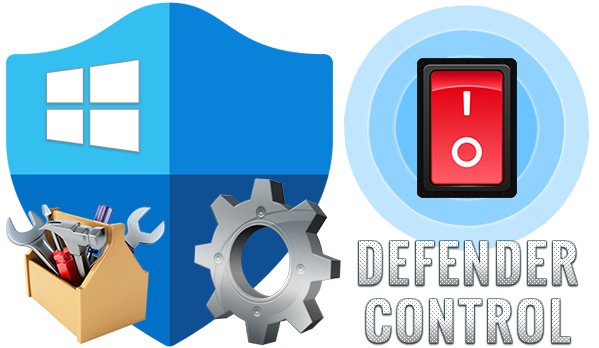
Download Defender Control and open dcontrol.exe. In the window, click “Disable Windows Defender”. The indicator turns red once protection is off.
Turn off memory integrity
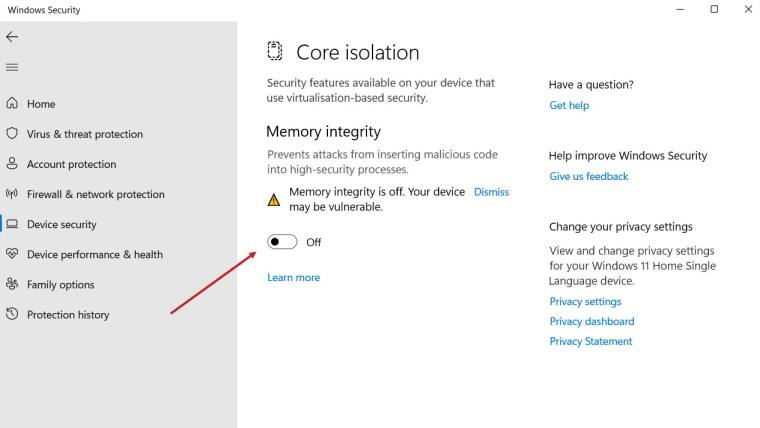
Open Windows Security → Device security → Core isolation. Check that “Memory integrity” is turned off; if it is on, turn it off.
Restart your PC
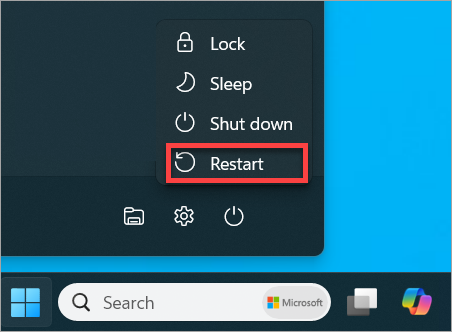
Save your work. Open Start, select Power, then Restart. Once you sign back in to Windows, return to this guide.
If Windows blocks a file, stop the installation. Note the file name and message in the alert or in Protection history, then contact support. Discord support
System requirements
You need 64-bit Windows 10 or 11, about 500 MB of free space and an internet connection. Your license is checked online at each launch. Everything comes in one file.
Download GameESPLauncher.exe2. Activate your license
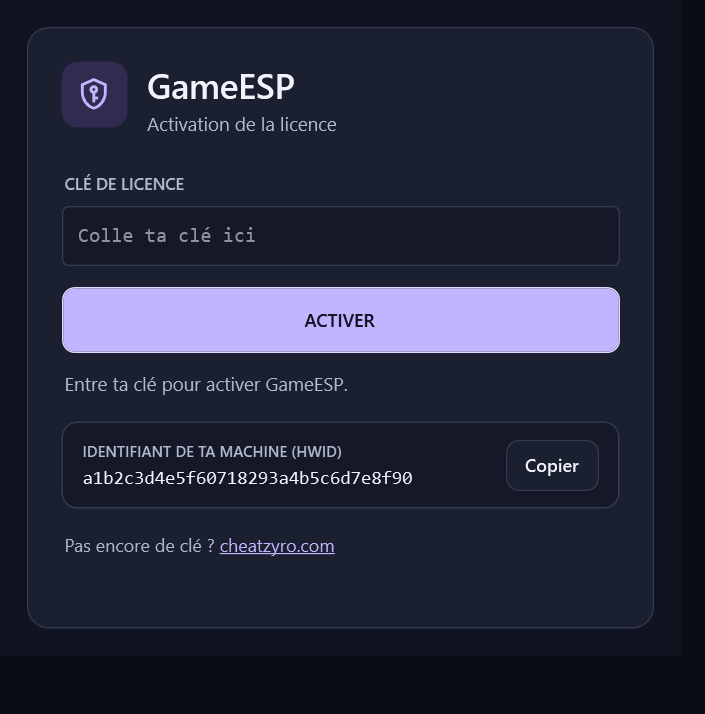
Open GameESPLauncher.exe on the PC you plan to use. Enter your key in the format XXXX-XXXX-XXXX-XXXX. The first activation links the license to that PC.
If you need help, use “Copier” below the machine ID (HWID) to copy the identifier for support.
3. Automatic updates
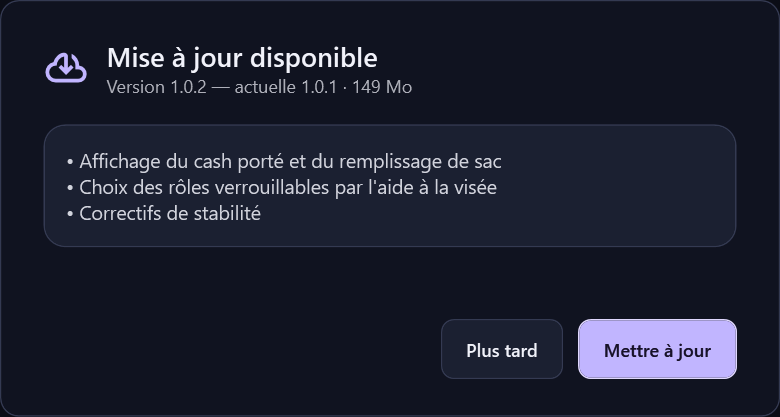
The launcher checks for updates at startup. If an update is offered, read the changes and click “Mettre à jour”. The launcher downloads it and restarts. You must install mandatory updates to continue.
4. Session preparation
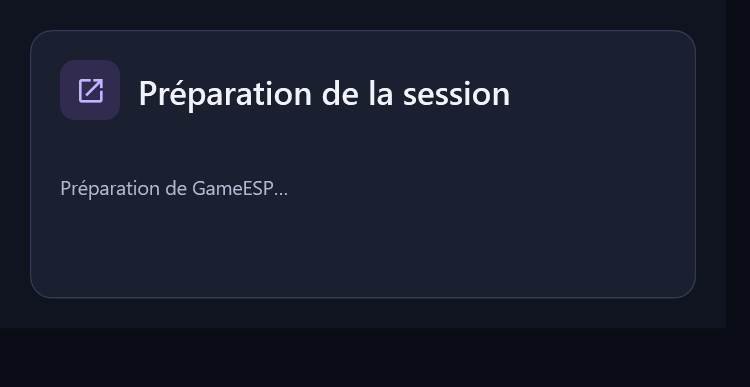
Leave the window open while the launcher sets up its components. This can take a few seconds on the first launch.
5. The main window
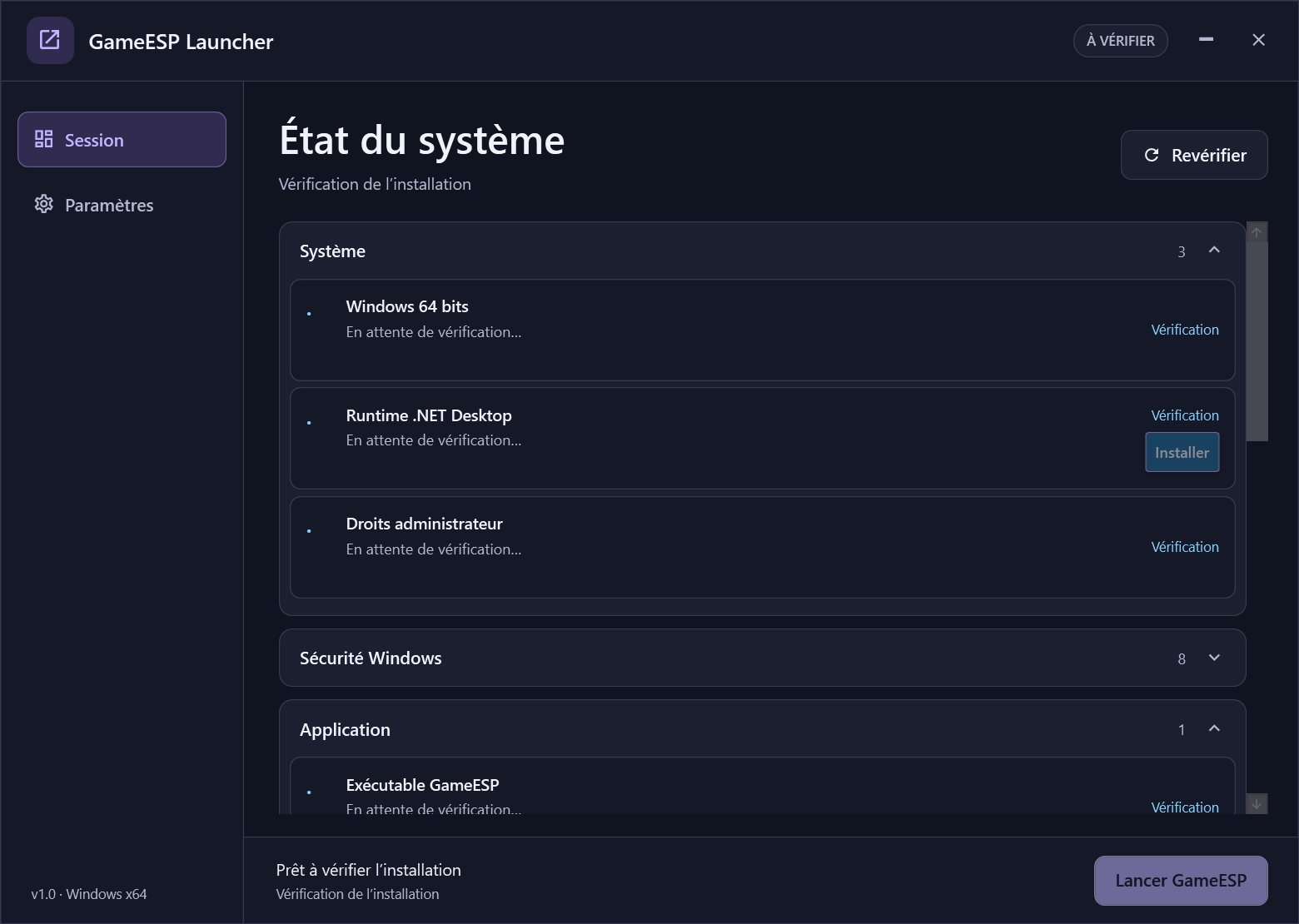
The launcher checks the system, Windows security and the executable. “Revérifier” runs the checks again. When they finish, click “Lancer GameESP”.
6. The in-game menu
Insert opens or closes the menu. Delete exits GameESP. Changes take effect immediately, without a restart.
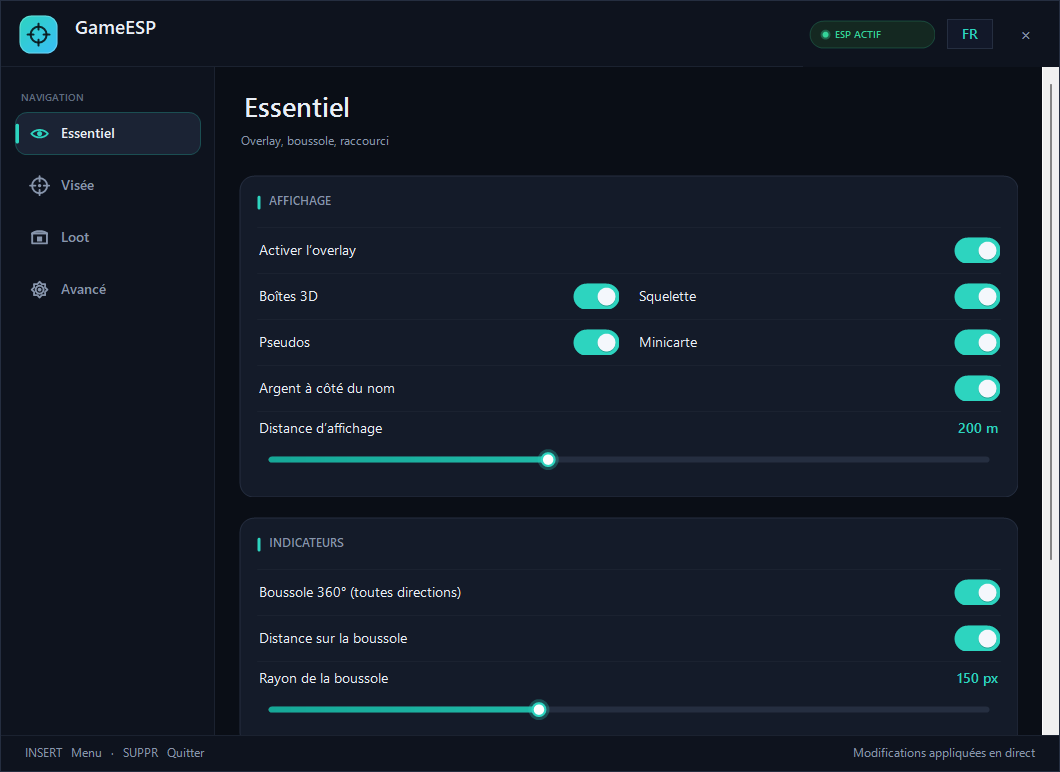
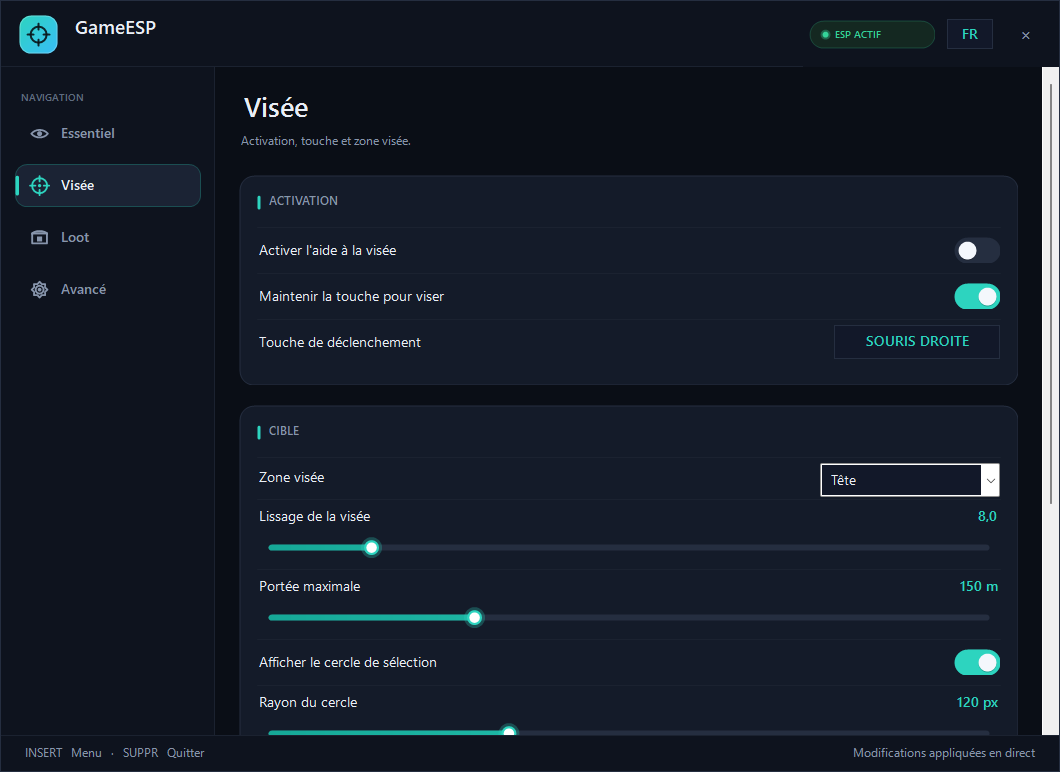
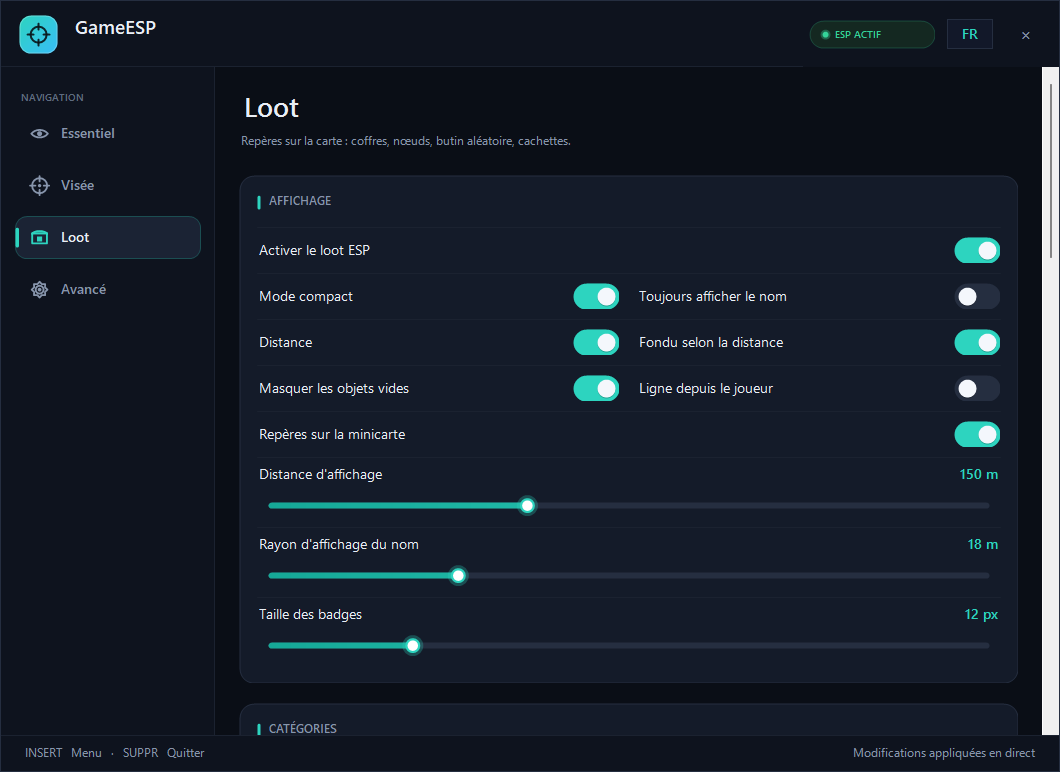
Avancé groups advanced settings by topic.
7. Troubleshooting
| Message | Cause | Solution |
|---|---|---|
| Invalid key | The key does not exist | Check your entry. Keys never use 0, O, 1 or I. |
| Subscription expired | The license has expired | Renew on the website |
| Key already used on another PC | The key is linked to another machine | Unlink your old PC from your account. You can do this once every 7 days.My account |
| Key disabled | License suspended | Contact support |
| This key does not grant access to GameESP | Valid key for another product | Check the product you purchased |
| Server unreachable | No connection or a service outage | Check your connection and try again |
| Free trial already used on this PC | This machine has already used a trial | Get a license |
| Insert does not open the menu | Another app intercepts the key | Change the key in Avancé → Caméra et raccourci |
8. Support
 Discord support